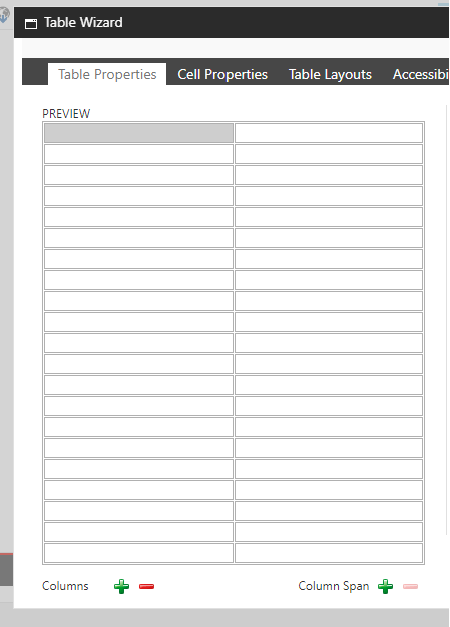
When using the table wizard in RTE, user can only create up to 21 rows. As the user adds more row, the option to add new row is gone.
To fix the issue you have to customize the RTE table wizard to add a scrollbar.
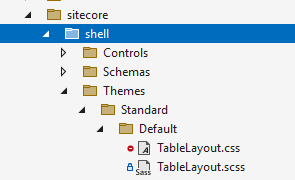
- In your solution add a new css file, in my scenario I added TableLayout.css file.
.reTablePropertiesPreviewTableHolder {
  max-height: 344px;
  overflow: scroll;
}
Update the following files
- sitecore/shell/Controls/Rich Text Editor/EditorPage.aspx
- sitecore/shell/Controls/Rich Text Editor/PreviewPage.aspx
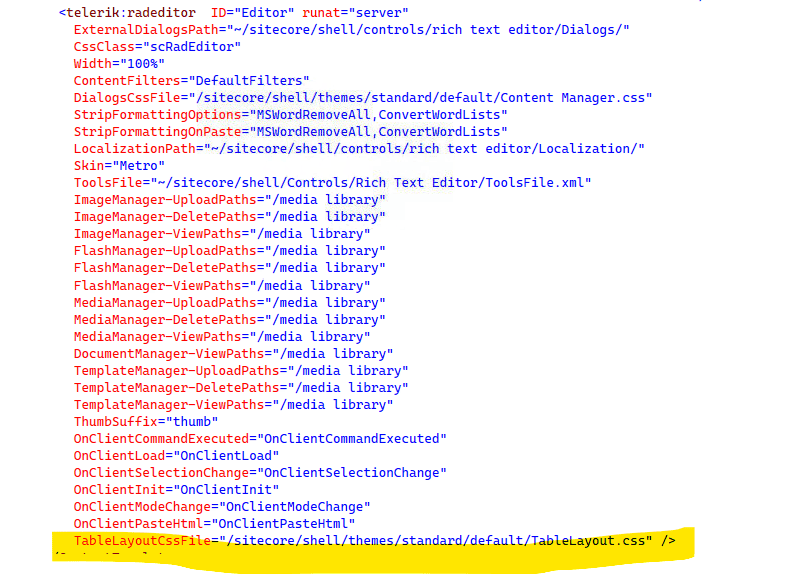
- Update Editor.aspx to reference the new CSS file
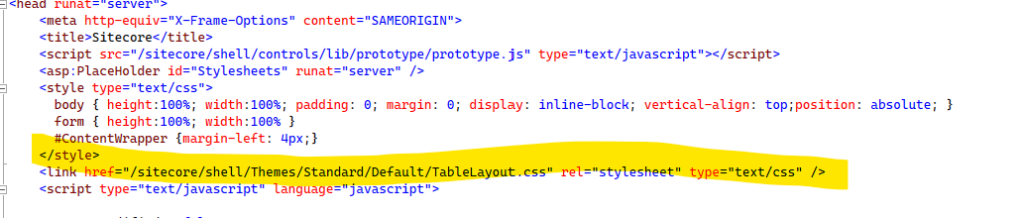
- Update Preview.aspx to reference the new CSS file
- Build and deploy your project
- Go to RTE then add rows using table wizard
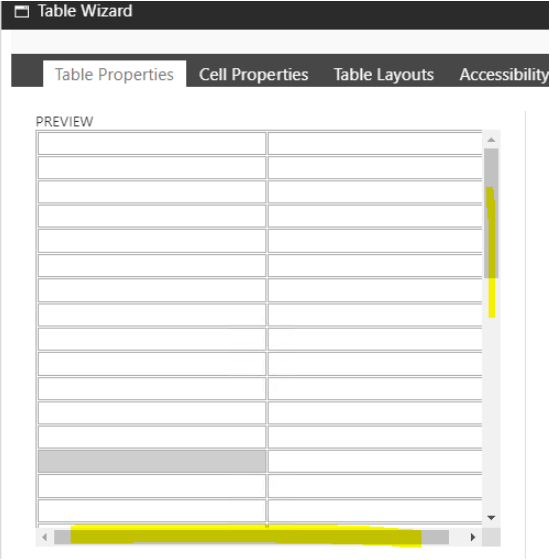
 Sitecore Overflow
Leave a comment